
If you have never used AI, the whole topic can feel like a locked room full of jargon. The good news is that you do not need a technical background to get started. In this guide, you will learn what AI tools are, how AI tools work, which ones to try first, and how to use them safely. Let’s begin with the basics.
What Are AI Tools? A Simple Explanation for Beginners
An AI tool is software that learns patterns from examples instead of following only fixed instructions. A calculator always does exactly what you type, but an AI tool makes its best guess based on what it has seen before. For example, when you ask ChatGPT to write an email to your landlord, it builds the message word by word from patterns in its training. As a result, you get a useful first draft in seconds.
The term AI stands for Artificial Intelligence, which simply means computer software that does tasks we normally link with human thinking. Think of your phone’s autocomplete: it predicts your next word from what you usually type. Most AI tools work like a much bigger, smarter version of that idea. So, once you understand autocomplete, you already understand the core concept.
Here are three things AI tools commonly do today:
- Write and summarize text, such as emails and reports
- Create or edit images from a short description
- Translate languages and transcribe speech into text
Next, let’s look at what happens behind the screen when you press Enter.
How Does AI Work Step by Step? (With a Real Example)
Every AI tool follows a similar path: it learns from data, finds patterns, and then uses those patterns to answer you. First, developers feed the system huge amounts of examples, which is called training. Then the system adjusts itself until its guesses become accurate. Finally, when you type a question, it uses what it learned to predict a helpful reply.
Picture a student who reads thousands of textbooks before an exam. The student does not memorize every page, but absorbs how ideas connect. In the same way, an AI model absorbs patterns in language, images, or sound. That is why it can answer questions it has never seen word for word.
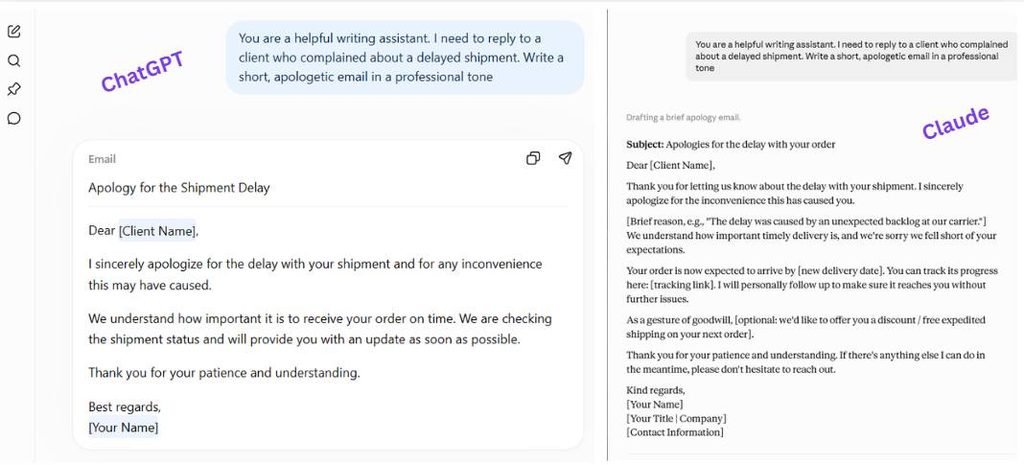
Let’s walk through a real example with a simple prompt you can copy:
- You type: “Write a polite email asking my teacher for a deadline extension.”
- The tool breaks your words into small pieces called tokens.
- It predicts the most likely next piece, again and again, until the email is complete.
- You read, edit, and send it.
Keep in mind that the tool predicts text, which is not the same as knowing facts. Therefore, you should always review what it writes. Speaking of tools, there are many kinds of AI, so let’s sort them out.
What Are the Types of AI?
Experts usually group AI in two ways: by how capable it is, and by how it behaves. Together, these groupings give seven commonly cited types. Almost everything you can use today falls into the first one, narrow AI. In other words, today’s tools are skilled at specific jobs but cannot do everything a human can.
| Type | What it means | Example | Exists today? |
|---|---|---|---|
| Narrow AI | Does one kind of task well | Spam filters, ChatGPT | Yes |
| General AI | Matches human thinking across tasks | None yet | No |
| Super AI | Beats humans at nearly everything | Science fiction so far | No |
| Reactive machines | React to the moment, no memory | Early chess programs | Yes |
| Limited memory | Uses recent data to decide | Navigation apps | Yes |
| Theory of mind | Would understand human feelings | Research only | Not really |
| Self-aware AI | Would have its own awareness | None | No |
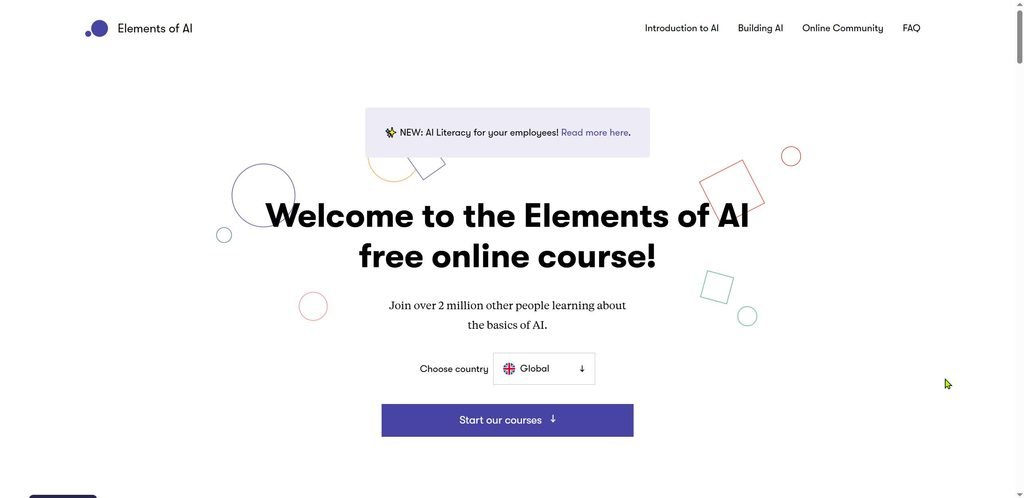
Note that these labels come from teaching materials and vary slightly between sources. If you want a friendly, free overview, the Elements of AI course from the University of Helsinki explains the foundations without heavy math. Meanwhile, the key takeaway is simple: the AI you use now is narrow AI. With that in mind, let’s answer a very common question.
Is ChatGPT an AI Tool? (And How It Differs from Other AI Software)
Yes, ChatGPT is an AI tool. It is built on a Large Language Model (LLM), which is a program trained on enormous amounts of text so it can predict and generate language. OpenAI released ChatGPT to the public in late 2022, and it helped bring AI into everyday conversation. Unlike older software, you simply chat with it in plain English.
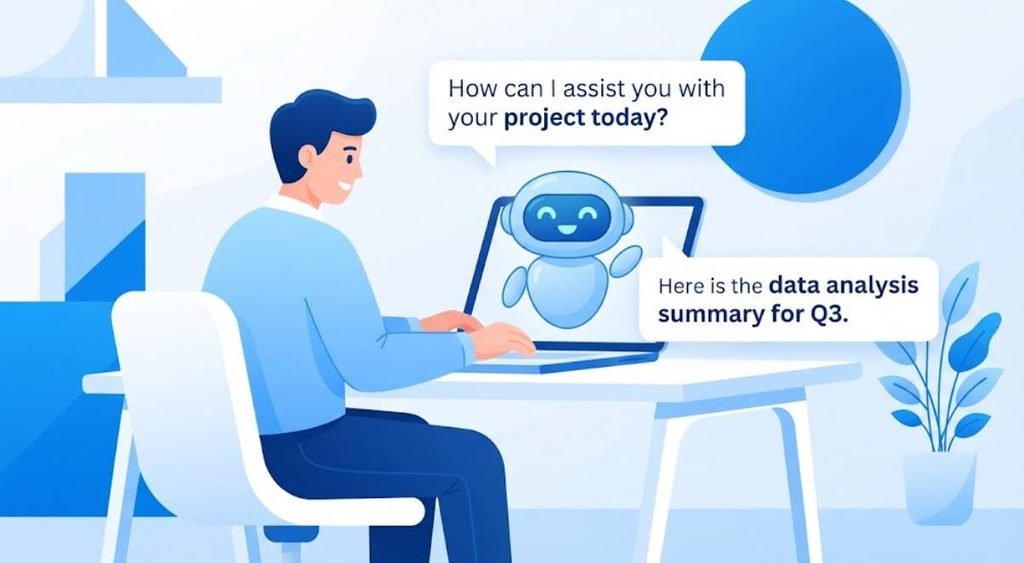
However, not all AI software works like a chatbot. Some tools recommend videos, some detect fraud, and others generate pictures. For instance, Netflix suggestions and your email spam filter both use AI, but you never type a prompt to them. So ChatGPT is one example, not the whole category.
Quick tip: if a tool talks back to you in sentences, it likely uses an LLM. If it works silently in the background, it likely uses another kind of AI.
Top AI Tools and Software for Beginners (by Category)
Starting with too many tools is a common trap. Instead, pick one tool per need and learn it well. Many beginners begin with a general chatbot, then add specialized tools later. Below is a small, friendly starting list.
| Category | Example tools | Best for | Beginner friendly? |
|---|---|---|---|
| Chatbots | ChatGPT, Claude, Gemini | Writing, questions, brainstorming | Very |
| Image creation | Canva, Adobe Firefly | Posters, social posts | Yes |
| Writing help | Grammarly, Notion AI | Editing, notes | Yes |
| Research | Perplexity, Gemini Notebook | Finding and summarizing sources | Moderate |
| Meetings | Otter, Zoom | Transcripts, summaries | Yes |
Features and pricing change often, so check each official site before you commit. Additionally, try one tool for a week before judging it.
How to Use AI Tools for Beginners: Your First 30 Minutes
Your first session should be small and low risk. Create a free account, open a chatbot, and ask it to help with something ordinary. For example, ask for a weekly meal plan or a summary of a long article you already know. As a result, you can easily judge whether the answer is good.
Try this copy-ready prompt in your first minutes:
“Act as a friendly tutor. Explain how solar panels work in simple words for a 12 year old, then give me 3 quiz questions.”
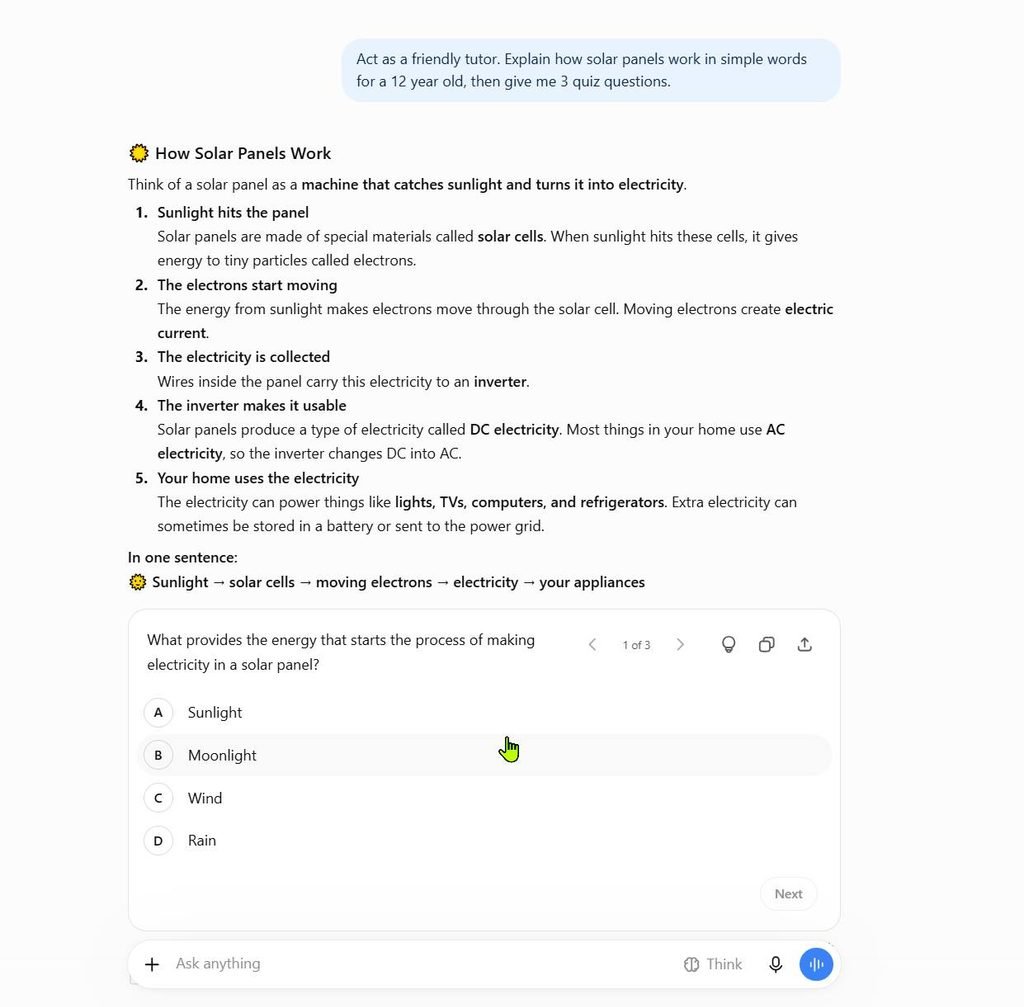
Then follow this simple routine:
- Minutes 0 to 10: sign up and try one question
- Minutes 10 to 20: ask a follow-up to improve the answer
- Minutes 20 to 30: edit the result and save what worked
Remember that follow-up questions are your superpower. If the first answer is too long, simply say, “Make it shorter.” Before we go deeper, let’s clear up some common questions.
Frequently Asked Questions About AI Tools
Do I need to know coding to use AI tools?
No. Most modern tools work through plain-English chat. You type what you want, and the tool responds, so no programming is required.
Will AI replace me?
Nobody can say for certain. Many studies suggest AI will change tasks within jobs more than erase whole jobs, and the Stanford AI Index tracks this research each year. Learning to use AI is a practical way to stay prepared.
Is AI always correct?
No. AI can sound confident while being wrong, which is why checking important facts matters.
Is my data private?
It depends on the tool and its settings. Always read the privacy policy before sharing anything sensitive.
Free AI Tools List: What You Get and What You Don’t
Many AI tools offer a free plan, which is great for learning. Typically, free plans give you limited daily use, slower responses, or access to older models. In contrast, paid plans often add higher limits and extra features. Therefore, start free and upgrade only if you hit a real limit.
Here is what free plans often include:
- Basic chat with daily message limits
- Limited image creation or downloads
- Fewer advanced features, such as file uploads
One warning: free tools may use your conversations to improve their systems unless you change the settings. Because of this, avoid typing passwords, bank details, or private records. Next, let’s see how students can use these tools wisely.
AI Tools for Students and Education
AI can act like a patient study partner. For example, you can paste your own notes and ask, “Quiz me on this like a teacher.” Likewise, tools such as Khanmigo from Khan Academy are designed specifically for learning. That said, the goal is to understand the material, not to skip the work.
Schools and universities have different rules, so check yours first. UNESCO publishes guidance encouraging a human-centered approach to AI in education. In short, use AI to explain, practice, and organize, then write your own final work. Of course, every tool has risks, so let’s cover those next.
Common Beginner Mistakes and How to Stay Safe (Hallucinations, Privacy)
The biggest beginner mistake is trusting every answer. An AI hallucination is a made-up statement that sounds believable, such as a fake book title or a wrong date. This happens because the model predicts likely words rather than checking a database of facts. Consequently, you should verify names, numbers, and quotes with a reliable source.
The second mistake is oversharing. The NIST AI Risk Management Framework highlights privacy and reliability as key concerns when people use AI systems. So keep these habits:
- Never paste passwords or financial details
- Double check facts before sharing them
- Remove names and private details from documents
- Tell readers when AI helped you, if it matters
With safe habits in place, you are ready to keep learning.
How to Learn AI for Free: Courses, Tutorials and Certificates
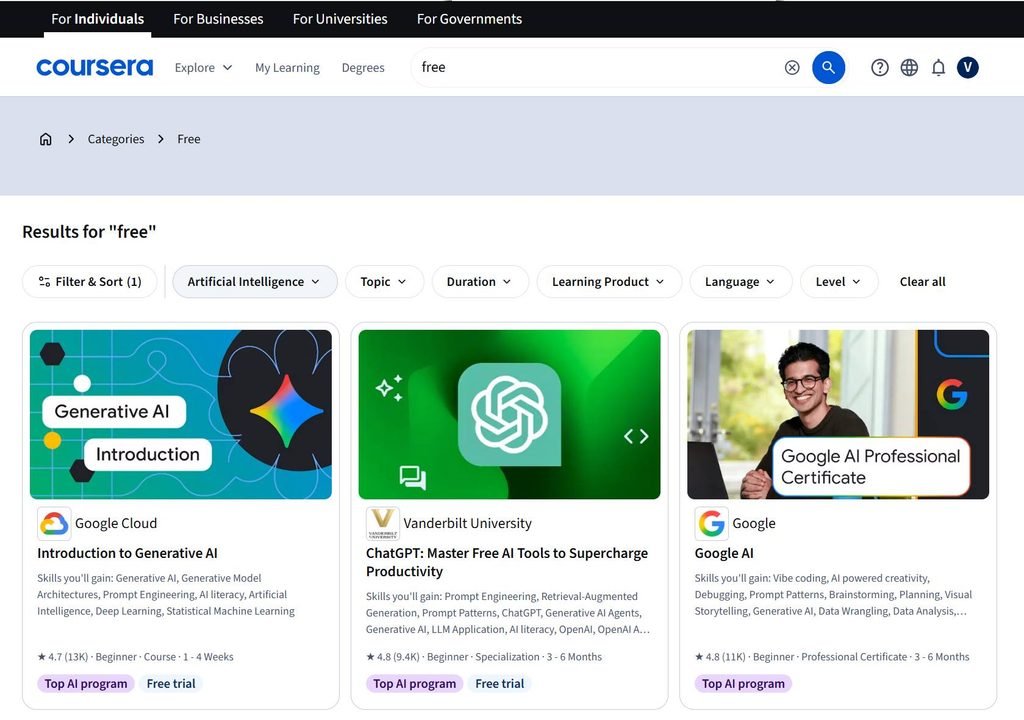
You can learn a lot without spending money. Several well-known providers offer beginner-friendly lessons, and some include certificates, though certificates may cost extra. Below are good places to start.
- Elements of AI: a free, non-technical introduction
- AI for Everyone on Coursera: a business-friendly overview
- Microsoft Learn: free modules on AI basics
- Google AI Essentials: a practical skills course
Course details change, so confirm what is free on each page. Moreover, practice matters more than watching videos, so use the tools as you learn. For more ideas, see our free AI learning roadmap.
Conclusion
AI tools are simply software that learns patterns and predicts helpful answers, and you can start using them today with no technical skills. Begin with one chatbot, try a small task, and always check what it tells you. Protect your privacy, stay curious, and build your skills one session at a time. After all, the best way to understand AI is to try it yourself.