I didn’t plan on becoming someone who tests AI tools for a living. It started because my old content workflow was slow, and a friend kept nagging me to try ChatGPT for first drafts. That was almost two years ago. Since then I’ve paid for, cancelled, and re-subscribed to more apps than I want to admit. This post is what came out of that mess — the tools that stuck, the ones that didn’t, and what I’d tell a friend who’s just starting out.
I’m not going to pretend every tool here is perfect. Some have rough edges. A few are genuinely great at one thing and mediocre at everything else. That’s normal, and honestly, that’s fine — you don’t need one app that does everything.
1. Why I Started Looking at AI Tools in the First Place
Before any of this, I wrote everything by hand, researched by hand, and edited by hand. It worked, but it took hours. Once I saw a colleague generate a rough outline in under a minute using Claude, I got curious. Then curiosity turned into a habit of trying a new tool almost every month.
Over time, a pattern showed up. Some tools saved me real hours. Others just moved the work around without actually cutting it down. Knowing the difference took longer than I expected.
2. Writing and Editing Tools Worth Your Time
Let’s start here, since this is where most people begin.
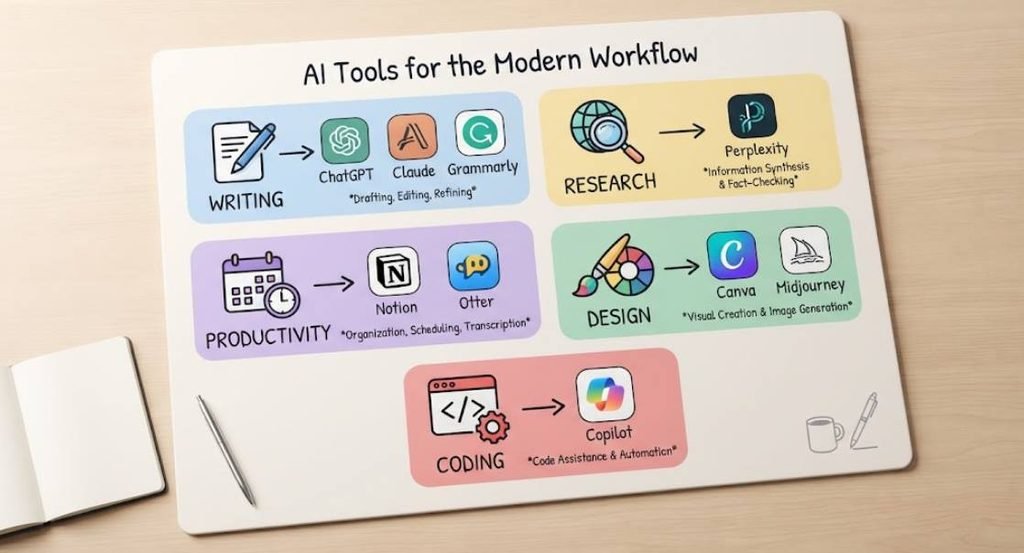
ChatGPT is still my go-to for brainstorming and first drafts. It’s fast, it handles most tones you throw at it, and the free tier is enough for casual use. Where it struggles is nuance — ask it for a very specific voice, and you’ll spend more time correcting it than writing from scratch.
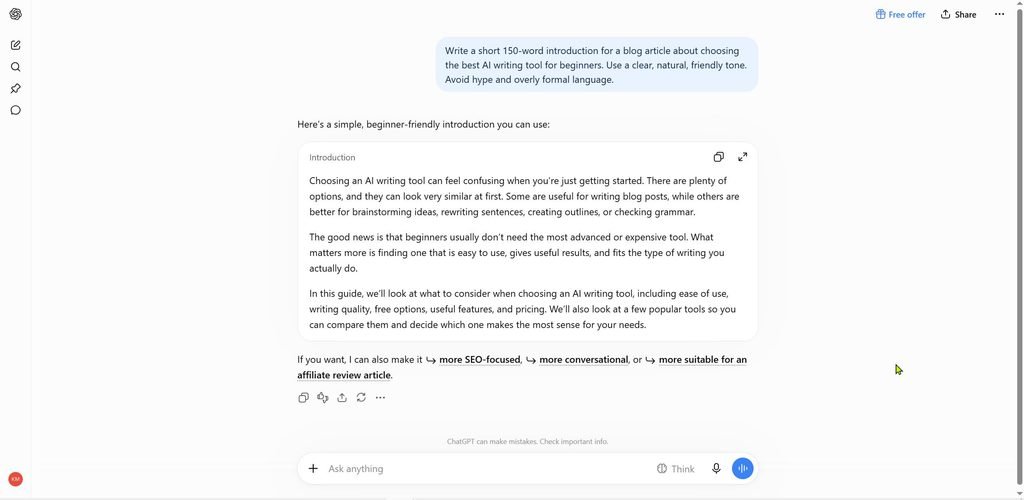
Claude is what I switch to for longer pieces, especially anything that needs to read naturally. It tends to hold context better across a long document, and I find its output needs less cleanup. On the other hand, it can be a bit more cautious with certain topics, which sometimes means extra prompting to get what I actually want.
Then there’s Grammarly, which isn’t a writer so much as an editor sitting over your shoulder. I don’t use it to generate content — I use it to catch the small stuff after I’ve written something myself. Tone checks, passive voice, run-on sentences. Small annoyances, caught early.
A quick note on jargon here, since a lot of these tools get described with acronyms: NLP (natural language processing) is the underlying tech that lets these apps understand and generate human language. You don’t need to know the mechanics, but it helps to recognize the term when a tool’s marketing page throws it at you.
3. Research and Fact-Checking Tools
This is the category people skip, and it’s the one that saves the most time once you get used to it.
Perplexity has replaced half my regular search habits. Instead of opening ten tabs, I ask it a question and get a summarized answer with sources attached. I still click through to verify anything important —
AI tools get things wrong more often than people assume — but it cuts research time down noticeably.
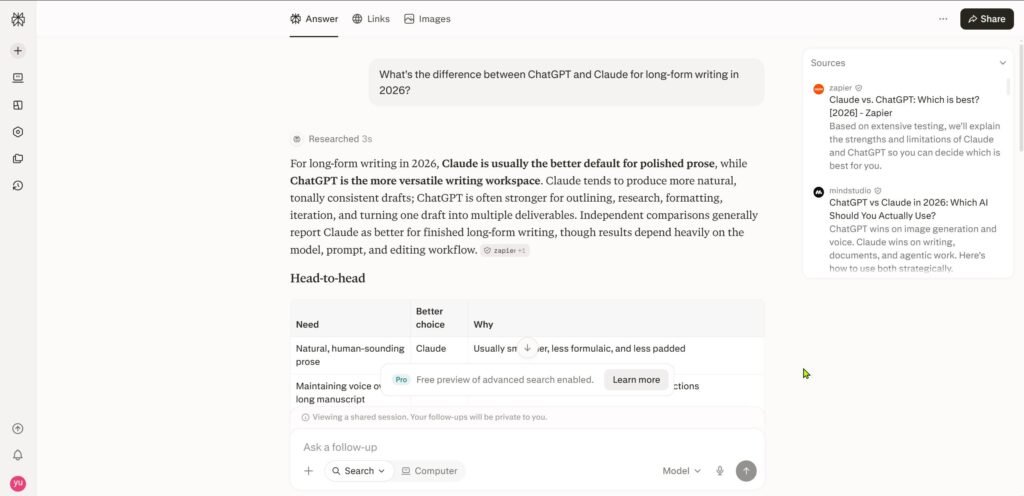
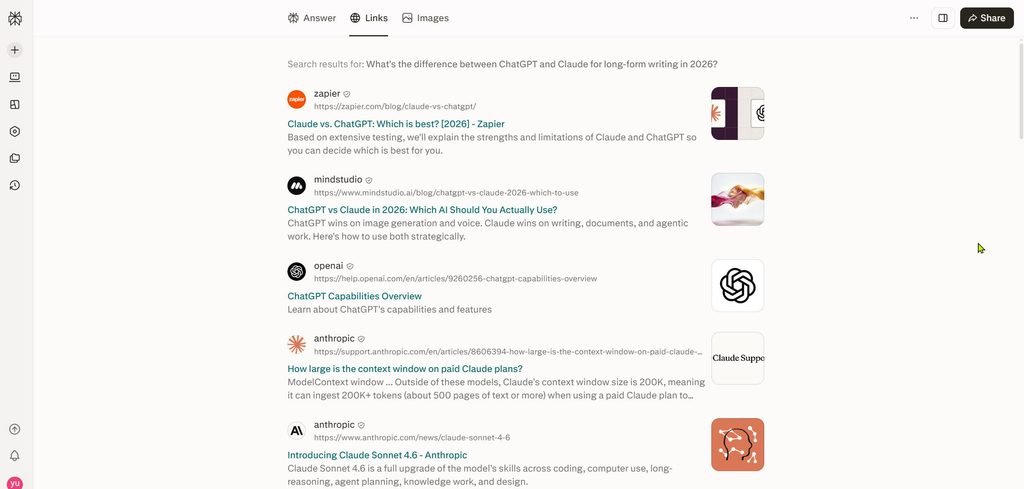
For quick fact-checks mid-writing, I’ll sometimes lean on whichever chat tool I already have open. The key habit, regardless of which tool you pick, is treating the output as a starting point, not a finished answer. I learned that the hard way after publishing a stat that turned out to be outdated by two years.
4. Productivity and Organization Tools
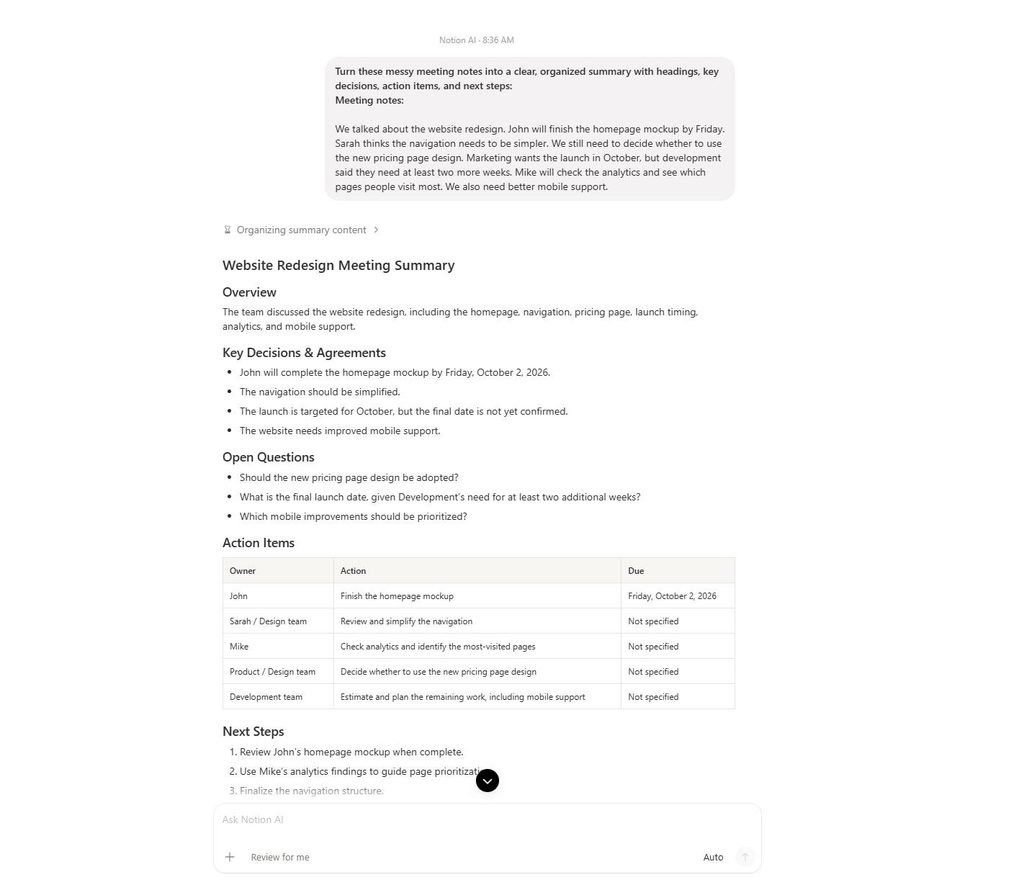
Notion AI sits inside a tool I was already using daily, so adding AI features felt low-risk. It’s decent for summarizing long meeting notes or turning a messy brain dump into a structured page. I wouldn’t buy it just for the AI features alone, but if you’re already a Notion user, it’s a natural add-on.
Otter.ai handles meeting transcription, and it’s genuinely useful if you’re on calls often. I started using it after missing an important detail in a client call — now I skim the transcript afterward instead of relying on memory. Small change, but it’s saved me from a few awkward follow-up emails.
5. Design and Visual Tools
Not everything is text-based. Canva‘s AI features — background removal, quick image generation, text-to-design — are aimed at people who aren’t designers and don’t want to become one. I use it for simple graphics and thumbnails. It won’t replace a real designer for anything client-facing, but for a blog or social post, it gets the job done fast.
For anything more artistic, Midjourney produces sharper, more distinct visuals, though it has a steeper learning curve and lives mostly in Discord, which throws some people off at first.
6. GitHub Copilot for Anyone Who Codes
I’m not a full-time developer, but I do enough scripting that GitHub Copilot has become part of my routine. It autocompletes code as you type, based on context from the rest of your file. For repetitive tasks, it’s a real time-saver. For anything logic-heavy, you still need to understand what it’s suggesting — it’ll happily hand you code that runs but does the wrong thing.
7. A Quick Side-by-Side
Here’s how I’d summarize the tools above if you’re deciding where to start. (If you’re moving this into a CMS, set the table to fixed-width columns with striped rows for readability.)
| Tool | Best For | Free Option | Learning Curve |
|---|---|---|---|
| ChatGPT | Fast drafts, brainstorming | Yes | Low |
| Claude | Long-form writing, natural tone | Yes | Low |
| Grammarly | Editing, tone checks | Yes | Low |
| Perplexity | Research, sourced answers | Yes | Low |
| Notion AI | Notes, summaries | Limited | Medium |
| Otter.ai | Meeting transcription | Yes | Low |
| Canva | Quick graphics | Yes | Low |
| Midjourney | Detailed art/imagery | No | Medium-High |
| GitHub Copilot | Code completion | Limited | Medium |
8. What to Actually Check Before You Pay for Anything
Before subscribing to anything on this list, ask yourself a few questions first. Does the tool solve a problem you already have, or one you think you might have someday? Will you use it weekly, or is this a one-time project? And after that, check the cancellation process — some tools make it easy, others bury it three menus deep.
I’ve cancelled more subscriptions than I’ve kept, and every time, it came down to one of those three questions. A tool that looked exciting in a demo video didn’t always earn a spot in my actual weekly routine.
9. Final Thoughts
None of these tools are magic. They’re closer to a good pair of scissors than a machine that builds the whole thing for you. Used well, they cut down the boring parts of work and leave more room for the parts that actually need a person thinking it through.
If you’re just starting out, pick one tool from the writing category and one from research. Use them for a month before adding anything else. That’s roughly how I built this list, one tool at a time, dropping the ones that didn’t earn their spot.