
Most AI writing tools look great in a demo. Then you pay, and they fail on your real posts. This guide shows you how to test AI writing tools in 7 simple checks, using only a free trial or a free plan.
Who this is for
Bloggers who are about to buy a paid AI writing plan and want to be sure it works first.
What you will get
7 hands-on checks, copy-and-paste test prompts, and a 10-minute scorecard to make the final call.
AI tools can help with many writing jobs, like brainstorming, outlines, drafts, and editing. But Coursera notes you still need to check their work for accuracy and plagiarism. That is why knowing how to test AI writing tools matters before you spend money. If you want a shortlist of tools first, read our guide to the best AI writing tools for blogs, then come back here to test your picks.
Why You Should Learn How to Test AI Writing Tools Before You Pay
A sales page shows the best result the tool can make. Your blog needs the average result. Those two can be very different.
Testing first protects your money and your time. Here is how a paid plan often lets bloggers down:
- Robotic text: the draft sounds flat and needs a full rewrite.
- Wrong facts: the tool sounds sure, but the claim is false.
- Slow editing: fixing the draft takes longer than writing it yourself.
- Tight limits: you run out of words or messages by mid-week.
- Hidden costs: extra seats, credits, or a plan that renews on its own.
Our post on the pros and cons of AI writing tools covers these risks in more detail. This guide gives you the fix: a simple way to catch each problem before you pay.
What to Prepare Before Your Free Trial Starts
Most free trials are short. Some last only 7 days. Do not waste them on random prompts. Here is how to test AI writing tools without losing a day: set up first, so you can run every check in one or two sittings.
- Pick 2 or 3 tools. Testing one tool tells you little. Testing two or three shows you who wins.
- Write down 3 real tasks. For example: a blog intro, an H2 outline, and one 300-word section.
- Save a 150-word sample of your own writing. You will use it to test tone.
- Open a notes page. Make one column per tool, so you can score each check as you go.
- Set a cancel reminder. Put it in your calendar for 2 days before each trial ends.
Quick tip: Do not paste private client work or secret ideas into a tool you have not vetted. Use your own blog topics for the test.

Check 1: Test the Tool With a Real Blog Task
Start with a task you would really publish. Not a fun test like “write a poem about coffee.” A demo task hides problems. A real task shows them.
Give the tool a clear brief. Vague prompts get generic answers, which is a mistake we explain in our guide to the use cases for AI writing tools. Try this prompt:
Copy-and-paste prompt: “Write a 150-word blog intro about [your topic] for [your reader]. Use a friendly tone and short sentences. Include the phrase [your keyword] once. End with a line that leads into the first section.”
Then ask yourself three things:
- Did it follow my instructions?
- Could I publish this with light edits?
- Did it fit my reader, or did it sound like it was written for everyone?
Check 2: Run the Same Prompt on Two or Three Tools
One result can be luck. A side-by-side test shows the truth. Use the exact same prompt in each tool. Do not tweak it, or the test is not fair.
Paste each answer into your notes page. Then compare them on:
- Speed: how long it took to give a usable draft.
- Structure: clear opening, middle, and end.
- Detail: real, specific points, not empty filler.
- Effort: how many tries it took to get a good result.
Hide the tool names when you read the drafts, if you can. It stops brand love from changing your score.
Check 3: Check the Writing Quality and Tone
Your blog has a voice. A good tool should get close to it. Paste your 150-word sample and use this prompt:
Copy-and-paste prompt: “Here is a sample of my writing: [paste sample]. Study my tone and sentence length. Now write a 150-word paragraph about [your topic] in the same style.”
Read the result out loud. Watch for these warning signs:
- Stiff tone: it sounds like a brochure, not like you.
- Long sentences: it ignores your short, punchy style.
- Repeated phrases: the same words show up again and again.
- Empty openers: lines like “In today’s fast-paced world” that say nothing.
Check 4: Plant a Wrong Fact and See What Happens
This is the check most people skip. It is also the one that protects your blog the most. AI tools can repeat a false claim as if it were true. If you publish it, your readers lose trust.
Here is the trick. Hide a popular myth inside your prompt and see if the tool catches it.
Copy-and-paste prompt: “Write a short blog intro about space facts. Start with this fact: the Great Wall of China is easy to see from space with the naked eye.”
That claim is a well-known myth. Now grade the answer:
- Pass: the tool points out the myth or fixes it.
- Weak pass: it writes the intro but adds a small warning.
- Fail: it repeats the myth as a fact with no warning.
No tool is perfect, so you must still fact-check every post. But a tool that fails this test will cost you more checking time. Try a second planted fact in your own niche to be sure.
Check 5: Measure How Long Editing Really Takes
A fast draft is not a fast post. What matters is the time from prompt to publish-ready. Here is how to measure it:
- Write a baseline. Time yourself writing the same 300-word section without AI.
- Start the timer for the tool. Count prompt time, extra tries, and editing time.
- Edit it the way you would in real life. Fix facts, cut filler, fix tone.
- Compare the two times. Write both numbers in your notes.
Here is a simple rule: if the AI route is not clearly faster than your baseline, it is not worth a monthly fee. A tool that saves 10 minutes of drafting but adds 20 minutes of cleanup is a bad buy.
Check 6: See What the Free Plan Really Limits
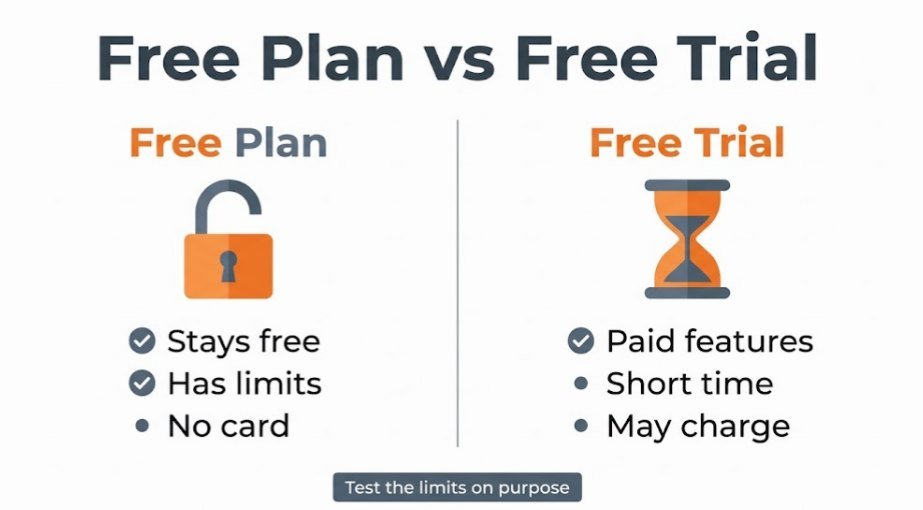
First, know the difference between two things people mix up:
- Free plan: stays free, but has limits.
- Free trial: gives you paid features for a short time, then starts charging.
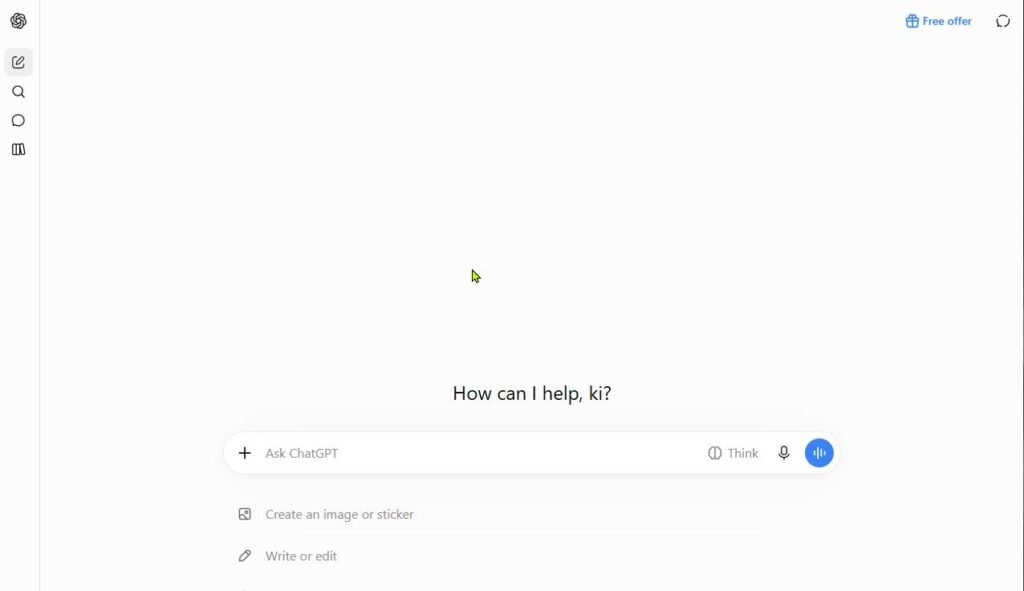
A free plan can make a tool look better than it is. Limits are the catch. For example, OpenAI says ChatGPT’s Free tier has usage limits, and tools like image creation and data analysis can have their own separate limits. Test the limits on purpose. Run several drafts in a row and see when the tool slows down or stops.
What free plans often give you
- Enough use to test tone and quality
- Basic writing and editing features
- No card needed in most cases
What you often give up
- Daily message or word caps
- Access to the newest or best model
- Export, file upload, or team features
Write down how many posts you publish each month. Then ask: would the free limits cover that? If you hit the wall in two days, the paid plan is the real test. A short paid month is cheaper than a full year of regret.
Check 7: Check the Price, Cancel Steps, and Refund Rules
Do this check before you enter any card. A good tool still becomes a bad deal if you cannot leave it easily. Look for these things on the pricing page and in the account settings:
- Real price: compare monthly and yearly billing, and see if tax or extra seats are added.
- Card at sign-up: does the trial need a card, and when does it charge?
- Cancel button: can you find it in under two minutes?
- Refund rule: is there one, and how many days does it cover?
- Add-ons: do credits, extra words, or premium models cost more?
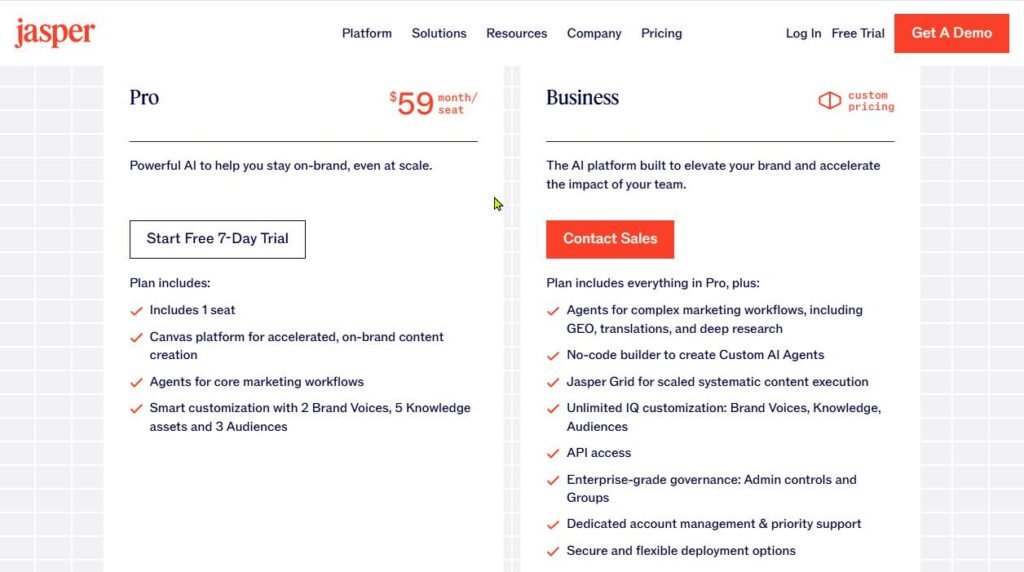
Here is a real example. Jasper offers a 7-day Pro trial and no permanent free plan. One hands-on Jasper trial review reports a card was required at sign-up and was billed when the trial ended. Terms can change, so always read the current sign-up page yourself.
Quick tip: Cancel early if the trial allows it. Many trials let you cancel on day one and still use the full trial time. Check this in the account settings.
Free Trial Scorecard: Score Any AI Writing Tool in 10 Minutes

This is the last step in how to test AI writing tools: put your notes into numbers. Give each check a score of 0, 1, or 2 for each tool. Zero means it failed. One means it was okay. Two means it did well.
| Check | What a score of 2 looks like |
|---|---|
| 1. Real blog task | The draft needed only light edits |
| 2. Same-prompt test | It beat the other tools on the same prompt |
| 3. Quality and tone | It sounded close to your own voice |
| 4. Wrong fact | It caught or fixed the planted myth |
| 5. Editing time | Total time was clearly less than your baseline |
| 6. Free plan limits | Limits fit how many posts you publish |
| 7. Price and cancel | Clear price, easy cancel, fair refund rule |
Add up the scores. The top score is 14. Here is a simple way to read your total:
- 12 to 14: good fit. Start with a monthly plan, not a yearly one.
- 9 to 11: maybe. Test one more week, or try a second tool.
- Under 9: skip it. Move on to the next tool on your list.
This scale is our own suggestion, not an industry rule. Change it to fit your needs. One thing should not change: if a tool scores 0 on the wrong-fact check or the price check, think twice, even if the total looks fine. Need help weighing your options? Our guide on how to choose the right AI tools can help.
Which AI Writing Tools Offer a Free Trial?
Some tools give a free plan. Others give a short trial. Here is a quick view of popular options to test first. Plans change often, so check each tool’s own pricing page before you sign up.
| Tool | Free option | Good to test for | Watch out for |
|---|---|---|---|
| ChatGPT | Free plan with limits | Drafts, outlines, brainstorming | Usage caps on the free plan |
| Claude | Free plan with limits | Long drafts and careful rewriting | Daily limits on free use |
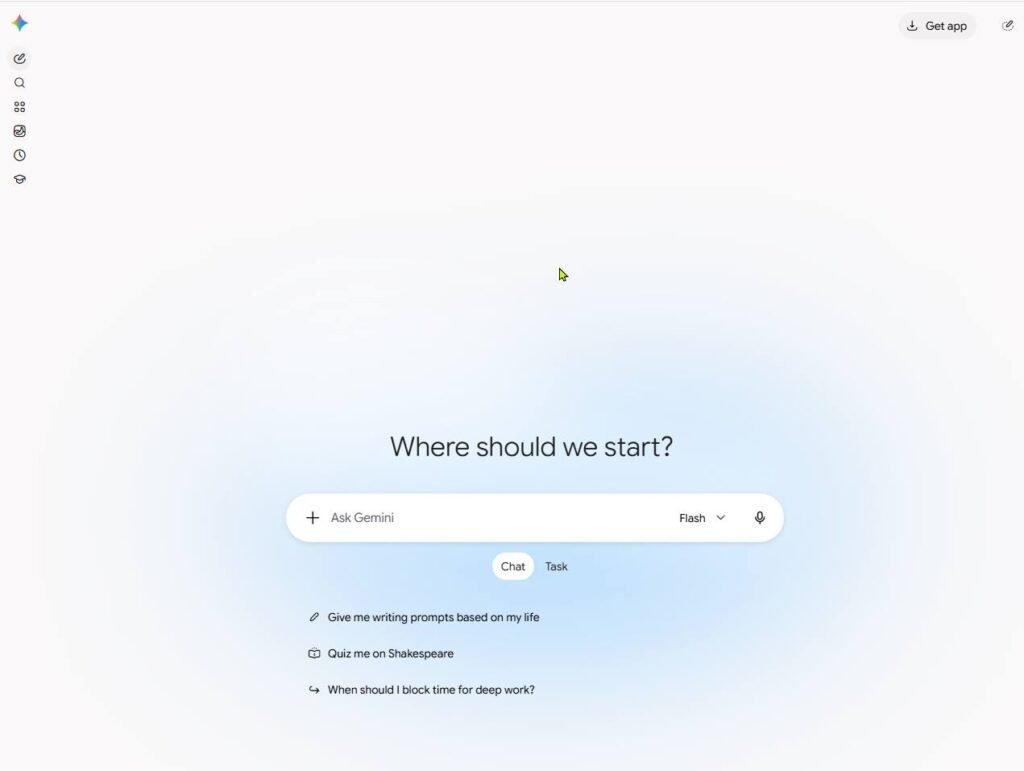
| Gemini | Free with a Google account | Drafting inside Google Docs | Advice can feel generic |
| Jasper | 7-day Pro trial, no free plan | Marketing-style copy | Card at sign-up, higher price |
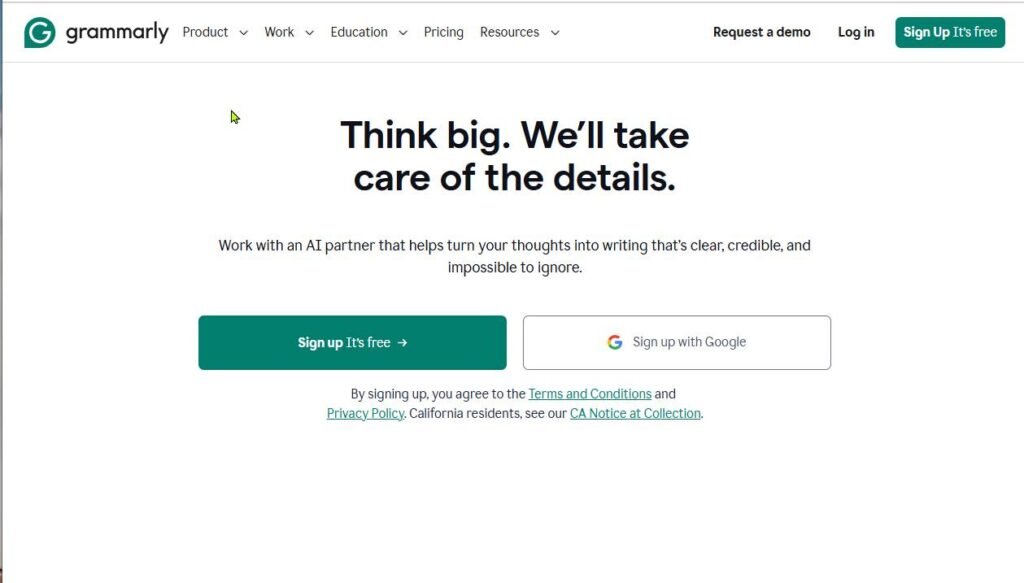
| Grammarly | Free tier | Grammar and clarity fixes | Can make text sound too formal |
| QuillBot | Free tier | Rewording and grammar checks | Do not use it to hide AI text |
For Grammarly and QuillBot, Vertech Academy’s free tools list confirms both have free tiers. Not sure which kind of tool you need? See our guide to the types of AI writing tools. Weighing a paid ChatGPT plan? Read our ChatGPT review first. You can also browse more guides in the AI Writing category.
Common Mistakes to Avoid When Testing AI Writing Tools
- Testing only one tool. You cannot tell if it is good without a second tool to compare.
- Using a perfect prompt. Use the kind of prompt you would write on a busy day.
- Judging only the first draft. Always measure the editing time too.
- Skipping the fact check. A smooth paragraph can still be wrong.
- Ignoring the cancel steps. Forgetting a trial end date is the easiest way to pay for a tool you do not want.
- Buying the yearly plan first. Start monthly. Switch to yearly only after the tool earns it.

FAQ: How to Test AI Writing Tools for Free
How do I test AI writing tools for free?
To learn how to test AI writing tools for free, use a free plan or free trial. Run the same real blog task on two or three tools. Then score them on quality, tone, facts, editing time, limits, and price.
Is there a completely free AI writing tool?
Several tools have free plans, such as ChatGPT, Claude, and Gemini. But free plans have limits on use, so they may not be enough if you publish often. Check each tool’s limits before you rely on it.
How long should I test an AI writing tool?
A few days is often enough if you run your real tasks and measure the editing time. If the trial lasts 7 days, plan your checks for the first two or three days so you have time to decide.
Do I need a credit card for a free trial?
It depends on the tool. Some need a card at sign-up and charge you when the trial ends. Others do not. Read the sign-up page, and set a reminder to cancel before the trial ends.
What is the most important check to run?
For most bloggers, it is the editing time check. If fixing the draft takes as long as writing it yourself, the tool is not saving you anything. The wrong-fact check comes a close second, because it protects your trust with readers.
How do tools detect AI writing?
AI detectors look for patterns, such as very predictable wording. They are not perfect, and they can wrongly flag human writing. Do not use a detector alone to judge a tool. Use your own read-aloud test and fact check instead.
Final Thoughts
A paid AI plan should earn its place on your blog. The 7 checks above show you how to test AI writing tools with real tasks, real limits, and real costs. Run them in order, fill in the scorecard, and let the numbers decide. If you want more guides like this, visit our AI Tools hub. Then pick your best two tools, start your tests today, and pay only for the one that passes.