

The best AI tools for small business save you time without a big budget. You do not have time to test 50 apps, so this guide shows you where AI fits in customer service, research, and daily operations, and which tool to pick for each job.
Who this is for
Small business owners and team managers who want to use AI but do not know where to start.
What you will get
15 simple ways to use AI, a free-tools list, a safety checklist, and a 30-day plan.
AI use is no longer rare. One report says 98% of small businesses already use at least one AI-enabled tool. The hard part is not finding the best AI tools for small business. It is knowing which job each tool should do. New to AI? Start with our AI tools for beginners guide, then come back here.
What Are the Best AI Tools for Small Business (and Where Do They Fit)?
AI tools are apps that do small, repeat tasks for you. They write, sort, answer, summarize, and connect other apps. You tell them what you need in plain words. They give you a first draft or a finished result.

Most tools fall into a few types:
- Chat assistants: write, explain, and brainstorm (ChatGPT, Claude).
- Customer chatbots: answer common questions on your site or phone.
- Research tools: find answers and show their sources (Perplexity).
- Automation tools: move data between your apps (Zapier).
- Meeting and note tools: record, transcribe, and summarize (Otter, Fireflies).
Want the full list of types? See types of AI tools explained. The table below is the fast version. It shows which department has which problem, and what AI does about it.
| Department | Common task | What AI can do | Start with |
|---|---|---|---|
| Customer service | Same questions every day | Answer FAQs and draft replies | ChatGPT, Tidio |
| Research | Checking markets and competitors | Find sources and summarize them | Perplexity, Claude |
| Operations | Manual data entry and meeting notes | Automate steps and write summaries | Zapier, Otter |
| Marketing | Posts, emails, and graphics | Write first drafts and make designs | ChatGPT, Canva |
| Finance | Bookkeeping and cash flow | Sort expenses and answer money questions | QuickBooks |
Simple rule: Pick the department that wastes the most of your time. Fix that one first. Do not try to fix all of them at once.
Best AI Tools for Small Business at a Glance
Here is a quick comparison of the best AI tools for small business in this guide. Prices are rough and change often, so check each site before you pay. Our disclaimer explains more. Price ranges below match what Airiam and Prezent list in their own tool roundups.
| Tool | Best for | Free plan? | Paid price (approx.) |
|---|---|---|---|
| ChatGPT | Writing replies, ideas, and summaries | Yes | About $20/month |
| Claude | Long documents and careful writing | Yes | About $20/month |
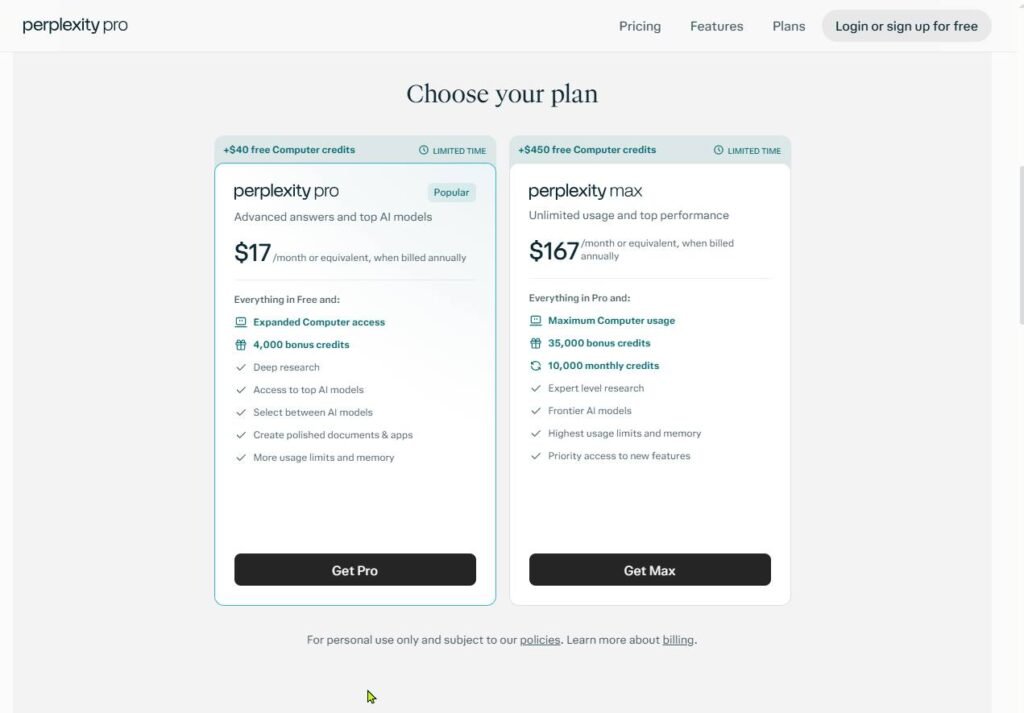
| Perplexity | Fast research with sources | Yes | About $20/month |
| Tidio | Website chatbot for FAQs | Yes (limited) | Varies by plan |
| Zendesk AI | Help desk with suggested replies | No (trial) | Per agent, monthly |
| Zapier | Connecting your apps | Yes | About $20/month |
| Otter.ai | Meeting notes | Yes | About $17/month |
| Fireflies.ai | Meeting notes with action items | Yes | About $10/month |
| Notion AI | Company notes and how-to docs | Yes | From about $10/month |
| QuickBooks | Bookkeeping help | No (trial) | From about $30/month |
| Canva | Graphics and social posts | Yes | About $15/month |
| HubSpot | Customer list and sales emails | Yes (free CRM) | Paid tiers vary |

Best AI Tools for Customer Service: 5 Smart Ways to Support Customers Faster
Customers want quick answers. You cannot be online 24 hours a day. AI helps most here because customer questions repeat. Here are five ways to use it.
1. Answer common questions with a website chatbot
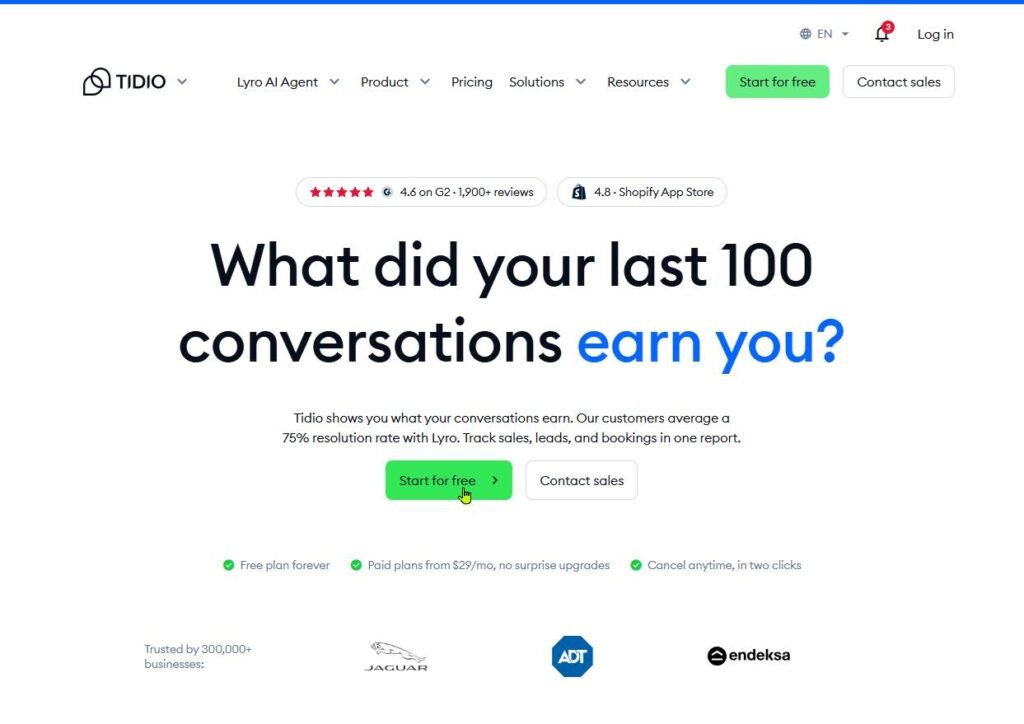
List your 10 most asked questions. Feed them to a chatbot like Tidio or Intercom Fin. It answers at night and on weekends. It passes hard questions to you.

2. Draft email and chat replies
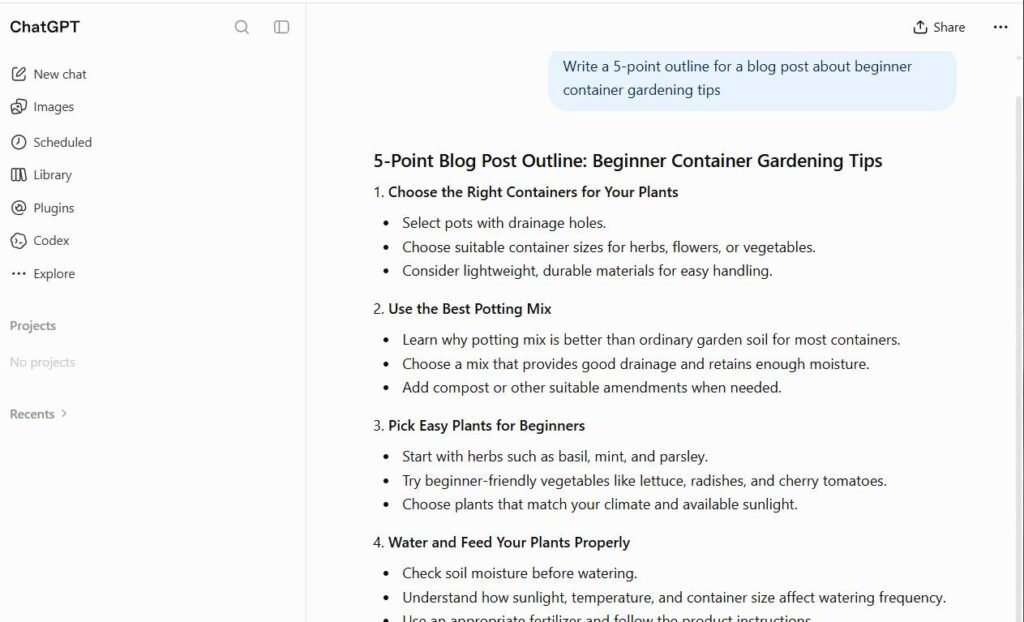
Paste the customer message into ChatGPT or Claude. Ask for a polite, short reply in your brand voice. Read it, edit it, send it. This cuts a 10-minute reply to 2 minutes.
3. Get suggested replies inside your help desk
If you already use a help desk, Zendesk AI can suggest replies and sort tickets for you. It fits teams with more than one person handling support. Solo owners can skip this for now.

4. Let AI answer the phone
Tools like Echowin act as an AI receptionist. They answer calls, take messages, and write call notes. Good for shops, clinics, and service businesses that miss calls while working.
5. Spot patterns in customer feedback
Paste 50 reviews or emails into Claude or ChatGPT. Ask, “What are the top 5 complaints?” You get a clear list in seconds. Now you know what to fix first.
Can You Use ChatGPT for Customer Service?
Yes. But use it as a helper, not as a replacement for your team. ChatGPT is great at writing replies. It does not know your refund rules, stock, or prices unless you tell it. Read our ChatGPT review for plan details and limits.
ChatGPT does well at
- Drafting replies: fast and polite.
- Rewriting tone: turns an angry reply into a calm one.
- Making FAQ pages: from your own notes.
ChatGPT struggles with
- Your private facts: it can guess wrong about policies.
- Angry or upset customers: they need a real person.
- Live order data: it cannot see your orders by itself.
Best setup: let AI write the draft. A human checks it before it goes out. For live chat on your site, use a chatbot built for support, like Tidio.
Best AI Tools for Business Research: 5 Ways to Find Answers and Analyze Markets
Research eats hours. AI cuts the first pass from hours to minutes. Always check key facts yourself before you act on them.
1. Get quick answers with sources
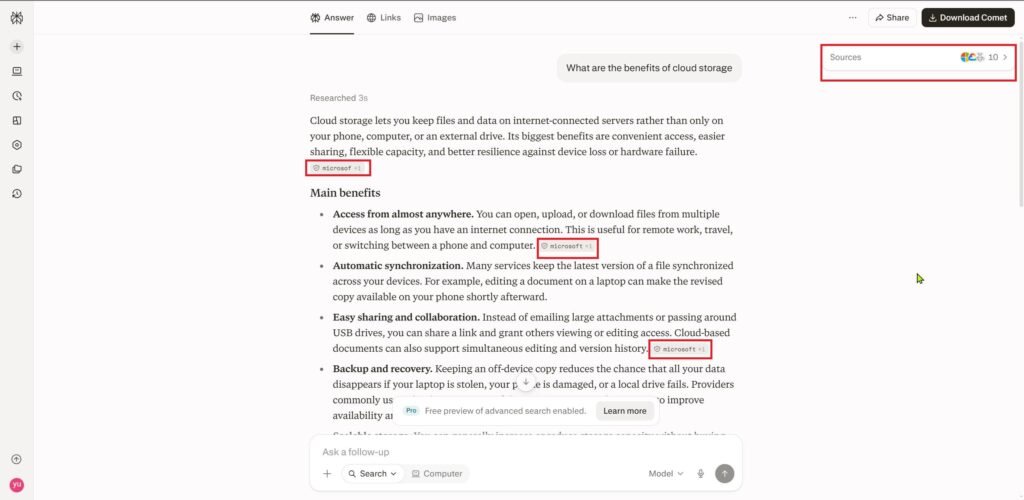
Perplexity gives a short answer and links to where it found it. Use it for questions like “What do small cafes charge for catering?” Click the sources to confirm.
2. Summarize long reports and contracts
Claude handles long documents well. Upload a 40-page report. Ask for a one-page summary and the three risks. Our tips for getting the most out of AI tools show how to ask better questions.
3. Check your competitors
Ask Perplexity or ChatGPT to list five competitors, their prices, and what customers like about them. Then visit their sites to confirm. You get a starting map in 10 minutes.
4. Make sense of survey results
Paste survey answers into ChatGPT. Ask it to group answers into themes and count them. You see what customers want without reading every line.
5. Ask questions to a PDF
Tools like ChatPDF let you upload a PDF and ask, “What are the payment terms?” You get the answer and the page it came from. Free plans have daily limits.
Best AI Tools for Operations: 5 Ways to Streamline Daily Work
Operations means the daily work that keeps the business running. It is often the most boring part. That makes it a great place for AI. See also our guide on AI tools for productivity.
1. Connect your apps so data moves on its own
Zapier links your apps with no code. A new form entry can add a row to your sheet and send you a message. You stop copying and pasting.
2. Record meetings and get notes
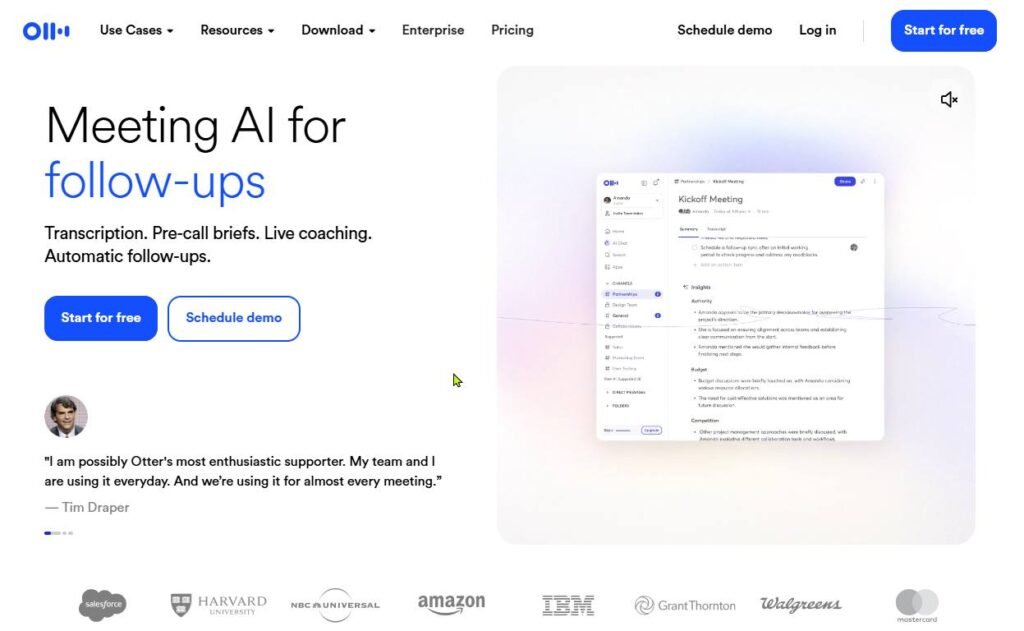
Otter and Fireflies join your calls. They write the notes and list the action items. Nobody has to type while talking.
3. Keep your how-to docs in one place
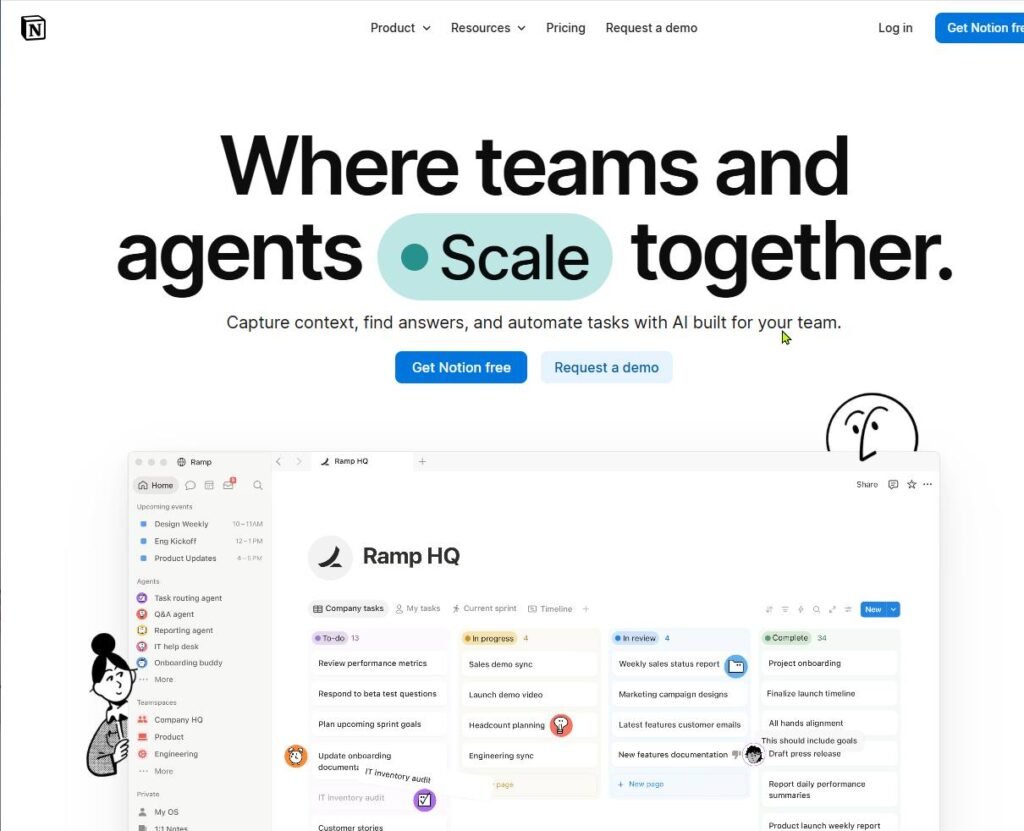
Notion AI helps you write and search step-by-step guides for your team. Ask, “How do we handle a refund?” and get the answer from your own notes.
4. Get help with bookkeeping
QuickBooks has AI that sorts expenses and answers questions like “Who has not paid me yet?” It will not replace an accountant. It does save you hours.

5. Stop the scheduling back-and-forth
Reclaim, an AI calendar tool, books meetings around your focus time. It moves things when your day changes. Less email ping-pong about times.
How Is AI Used in Operations? Real Workflow Examples
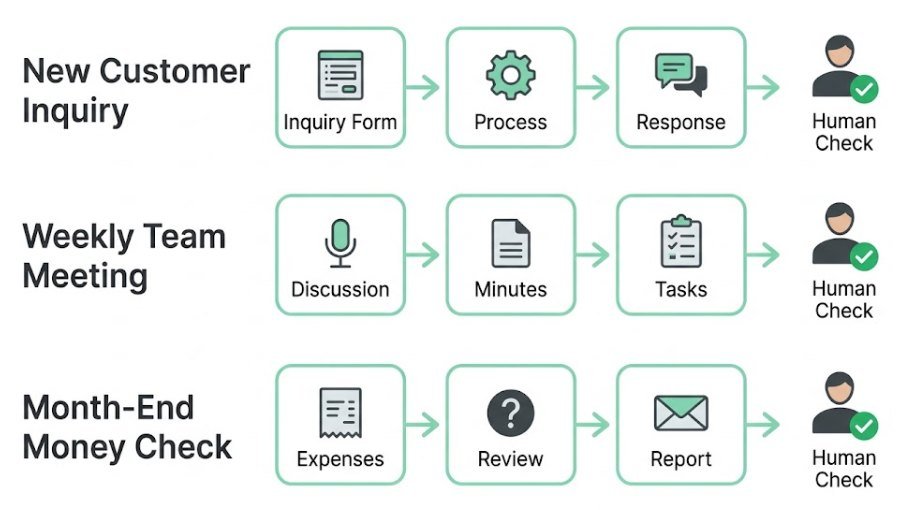
A tool list is not enough. You also need to see the flow. Here are three simple workflows a small business can set up this month.
| Workflow | Step 1 | Step 2 | Step 3 |
|---|---|---|---|
| New customer inquiry | Form is filled on your site | Zapier adds it to your customer list | AI drafts a reply for you to approve |
| Weekly team meeting | Otter records the call | AI writes the summary | Action items go to your task app |
| Month-end money check | QuickBooks sorts expenses | You ask it about late invoices | You send reminders |
Notice one thing. In each flow, a person still makes the final call. AI does the boring middle part.
Tip: Fix a messy process first, then automate it. If you automate a broken step, you just make mistakes faster.
Best AI Tools for Small Business Marketing
Marketing is crowded with tools, so keep it simple. Two or three of the best AI tools for small business are enough for most small teams.
- ChatGPT or Claude: write posts, emails, and product descriptions. See AI writing tools use cases for ideas.
- Canva: make social graphics and flyers from a short prompt.
- HubSpot: keep your customer list and send follow-up emails.
Always edit AI writing before you post. It can sound generic or get facts wrong. Our guide on the pros and cons of AI writing tools explains the risks.
Best Free AI Tools for Small Business
You can start at zero cost. These tools all have free plans, based on the lists in Prezent’s roundup and Airiam’s roundup:
- ChatGPT, Claude, Gemini: writing, ideas, and summaries.
- Perplexity: research with sources.
- Canva: simple designs.
- Zapier: basic app automations.
- Otter.ai and Fireflies: meeting notes.
- Notion: company notes.
What free plans give you
- A safe way to test a tool.
- Enough power for light, daily tasks.
- No risk if the tool does not fit.
What you usually give up
- Daily or monthly usage limits.
- Team sharing and admin controls.
- Stronger privacy settings in some tools.
Upgrade only when you hit a limit that slows real work. For more free picks, see our AI tools hub.
How to Choose the Right AI Tool for Your Business
Ask four questions before you sign up for any of the best AI tools for small business:
- What job do I need done? Name one task, not “use AI.”
- Does it work with my apps? Check your email, sheets, and CRM.
- What does it really cost? Include team seats and add-ons.
- How does it treat my data? Read the privacy page.
Intuit’s guide gives similar advice: know why you need the tool and how much time you can spend setting it up. For a full scoring method, read how to choose the right AI tools.
Is It Safe? Protecting Your Business Data with AI Tools
Even the best AI tools for small business are not private by default. Airiam warns that text pasted into public AI tools may be stored or used for training, depending on the provider’s terms. So treat every chat like a message sent outside your company.
Safe to paste
- Public product info.
- Draft posts and ads.
- Customer messages with names removed.
- Your own general questions.
Never paste
- Passwords and login details.
- Customer cards, IDs, or health data.
- Signed contracts with private terms.
- Secret plans or source code.
Also turn off training on your data if the tool allows it. Paid business plans often keep your data out of training by default, as Intuit notes for business versions of ChatGPT. Finally, check AI answers before you use them. Our AI writing risks guide covers this.
How to Get Started: A 30-Day Plan by Budget
Pick your budget first. Then use the best AI tools for small business in the weekly steps below.

| Budget | Tools to use | Best for |
|---|---|---|
| $0/month | ChatGPT or Claude (free), Perplexity (free), Canva (free) | Solo owners testing AI |
| About $20 to $50/month | One paid assistant, plus Zapier or Otter | Owners with 1 to 3 staff |
| $100+/month | Assistant, chatbot, automation, and notes tool | Teams with a manager and busy support |
- Week 1: Find the pain. List tasks that take over 2 hours a week. Pick one.
- Week 2: Test one free tool. Use it on that one task. Write down time saved.
- Week 3: Set simple rules. Decide what data can and cannot go into AI. Tell your team.
- Week 4: Decide. Keep it, upgrade it, or drop it. Then pick your second task.
Need more learning first? Browse our Learn hub or read how AI tools work.
Common Mistakes to Avoid When Using AI in Your Business
- Buying too many tools at once. Your team gets confused and uses none of them.
- Automating a messy process. Fix the steps first.
- Skipping the human check. Always review replies and facts before they go out.
- Feeding in bad data. AI is only as good as what you give it.
- Never checking results. Track time saved, or you will not know if it works.
Airiam names the first two as the biggest mistakes small businesses make with AI. Start small and measure.
Frequently Asked Questions
What are the best AI tools for small business?
There is no single best tool. For most owners, start with a free chat assistant like ChatGPT or Claude. It helps with writing, ideas, and summaries. Then add one tool for your biggest time drain.
Are there free AI tools for small business?
Yes. ChatGPT, Claude, Gemini, Perplexity, Canva, Zapier, Otter, and Notion all have free plans. Free plans have limits, but they are enough to test.
Which AI tool is best for customer service?
For live chat on your site, try a support chatbot like Tidio or Intercom Fin. For writing replies, ChatGPT or Claude works well. Larger teams may like Zendesk AI.
Which AI tool is best for business research?
Perplexity is a good first stop because it shows sources. Claude is strong for long documents. Use both, and check key facts yourself.
What is the best AI tool for operations?
Zapier is a top pick for connecting apps. Otter or Fireflies handles meeting notes. Pick based on which task wastes more of your time. See our Productivity hub for more.
Do I need technical skills to use AI tools?
No. Most tools use plain words and simple menus. If you can write an email, you can use ChatGPT.
Will AI replace my employees?
Unlikely. AI handles repeat tasks well. People still make decisions, handle upset customers, and bring ideas. Think of AI as a helper that frees up your team’s time.
Final Thoughts
You do not need every AI tool. The best AI tools for small business are the ones that fix your biggest problem. Pick one department, test one free tool, and measure the time you save. Then add the next one. Want more picks? Visit our AI Tools category and keep building from there.